Logging in Custom Code
This article introduces how to print logs in BladePipe Custom Code.
Procedure
- Add the following logger to the Custom Code.
protected static final Logger customLogger = LoggerFactory.getLogger("custom_processor");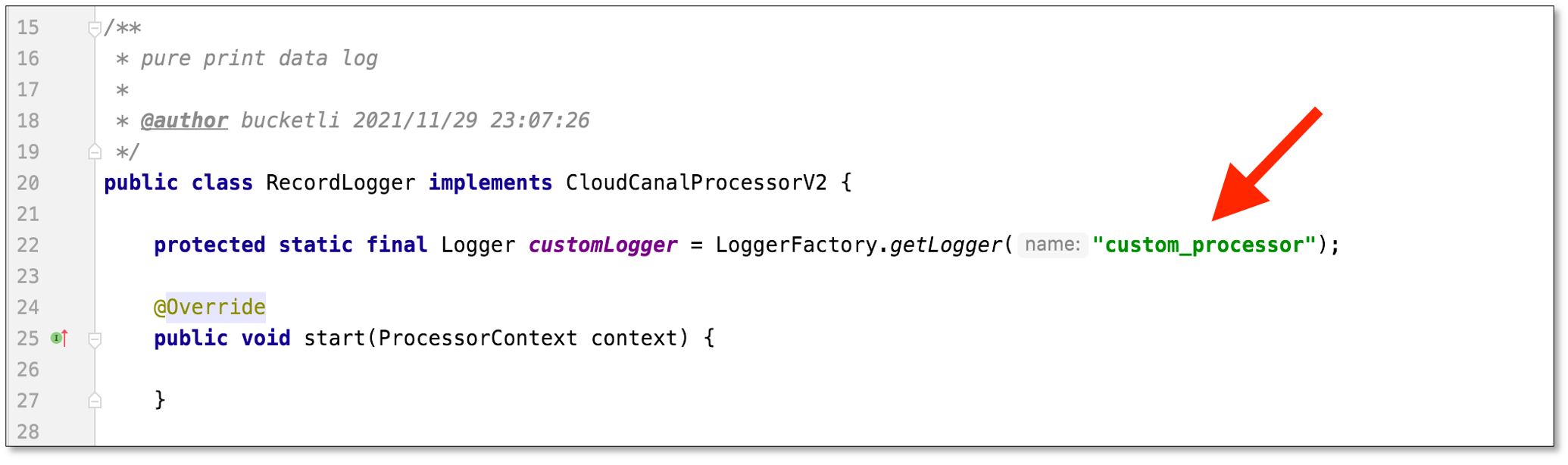
- Upload Custom Code jar and run DataJob.
- After the DataJob is running, view the log content in the BladePipe Cloud ( Details > Log > custom_process.log ), or go to the DataTask log directory to view the log content in log file.
